Appearance
Challenges
Overview
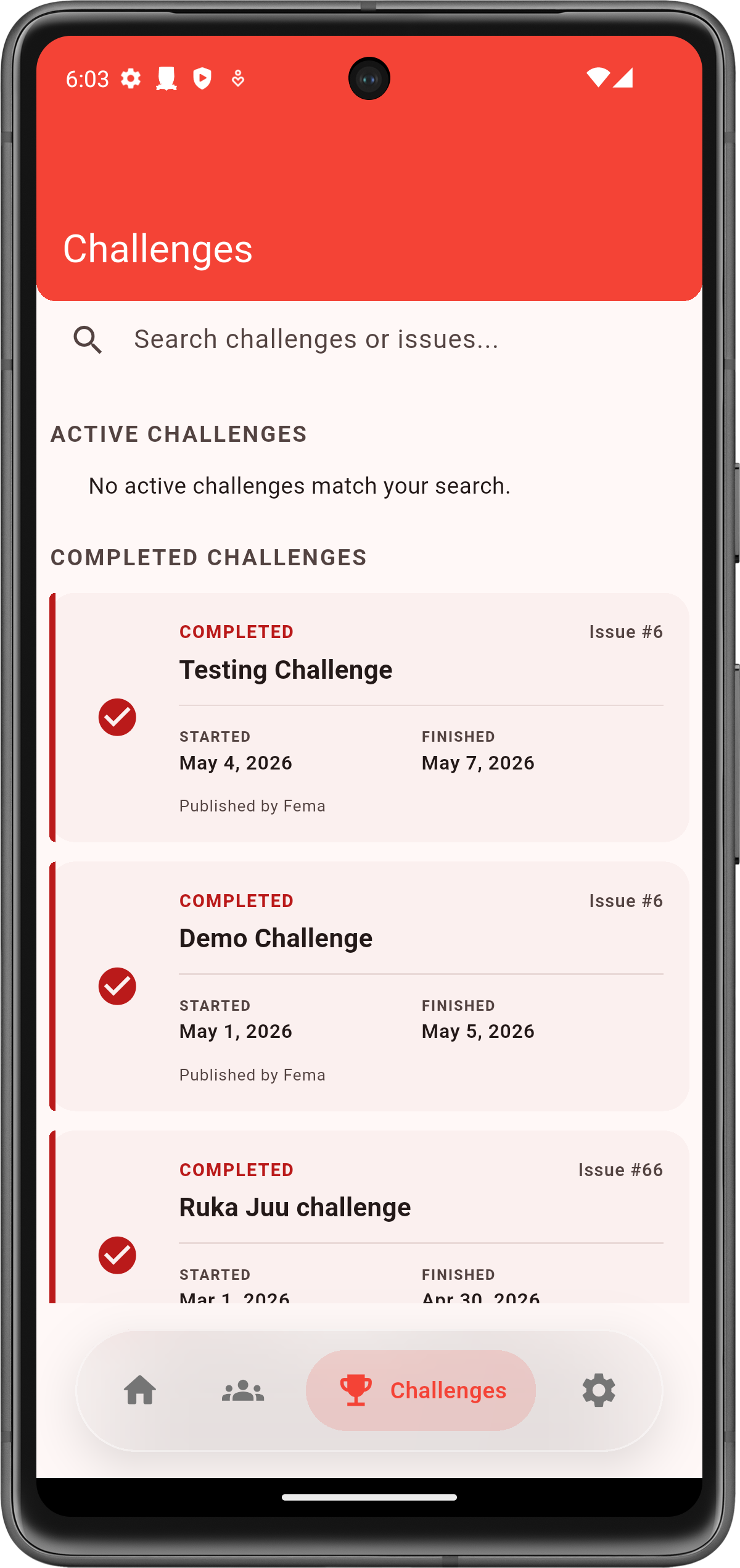
Challenges are activities and engagements for clubbers that the mobile app tracks. The Challenges page helps mentors review what’s currently active and what has already been completed, and add feedback notes when required.
What you do here
- Review Active and Completed challenges
- Search for a challenge or issue quickly
- View and update feedback notes (where required)
Key Concepts
- Challenge: a defined activity with participation rules and (optionally) submissions.
- Participation: the act of enrolling/recording a clubber’s engagement.
User Roles & Permissions
- Field users: record participation/submissions for their scope.
- Supervisors/admins: may have broader visibility into performance.
Features
- View available challenges
- Record participation
- View and edit feedback (where enabled)
Workflows
Record participation
- Open Challenges
- Select a challenge
- Select a clubber (or group) to record participation
- Save and confirm the updated status
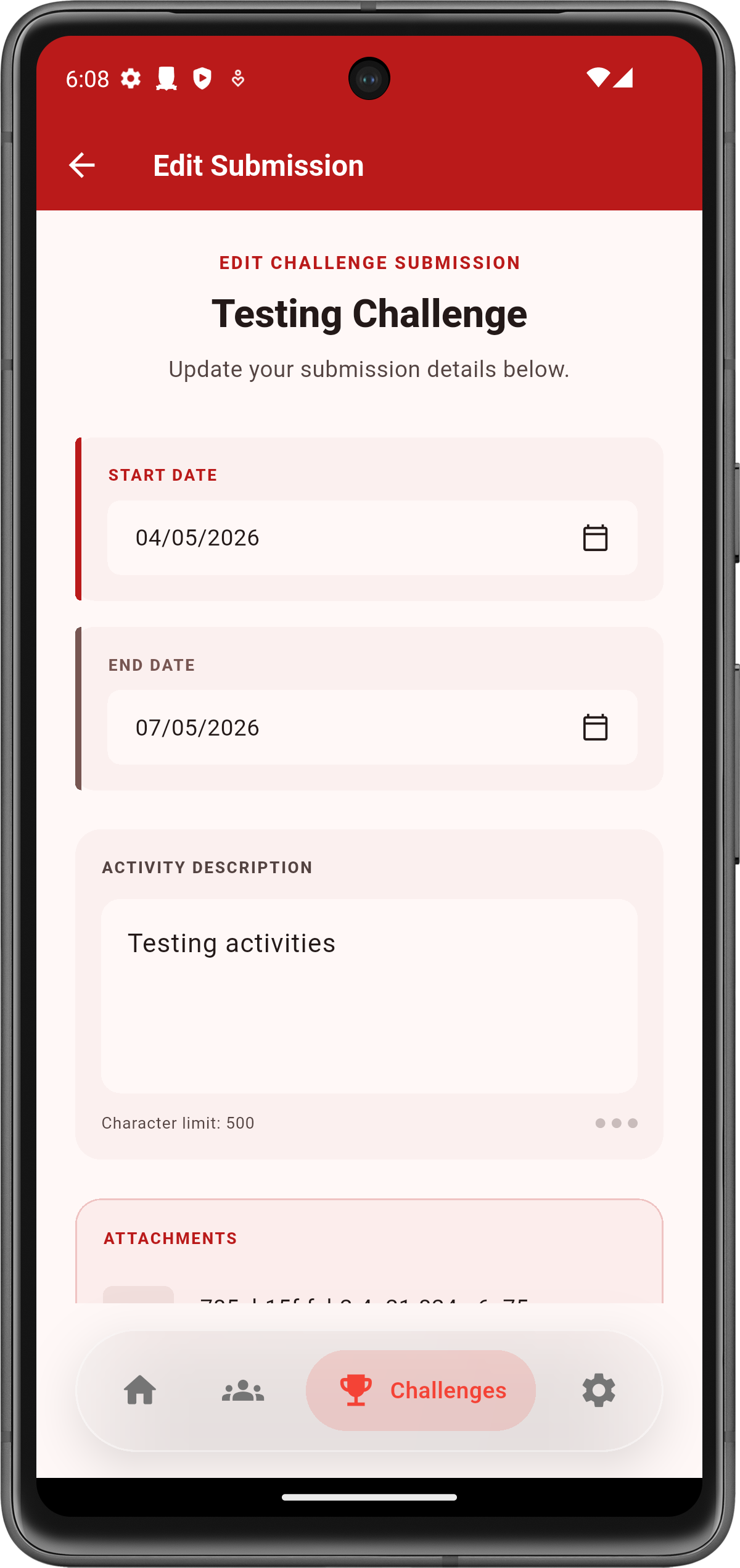
Add or edit feedback
- Open Challenges
- Select a challenge from the list (active or completed)

- Open Feedback
- Update notes and save