
Appearance
Activity Log
The Activity Log is a read-only audit trail of significant actions (sign-ins, record creates, updates, deletes, and similar events). Filters sync to the URL so you can bookmark investigations.
Purpose and outcomes
- Answer “Who changed record X?” or “What did this user do last week?”
- Export or copy findings after filtering (manual process unless your build adds export).
Who it is for
Server page requires Activity log LIST permission—not strictly limited to Root in code; your organisation may still restrict it to admins.
Key concepts
- Audit record — timestamped event with actor, action, model/resource, and metadata.
- Filter form — date, user, action, model, and text filters that sync to the address bar so you can bookmark a view.
Features
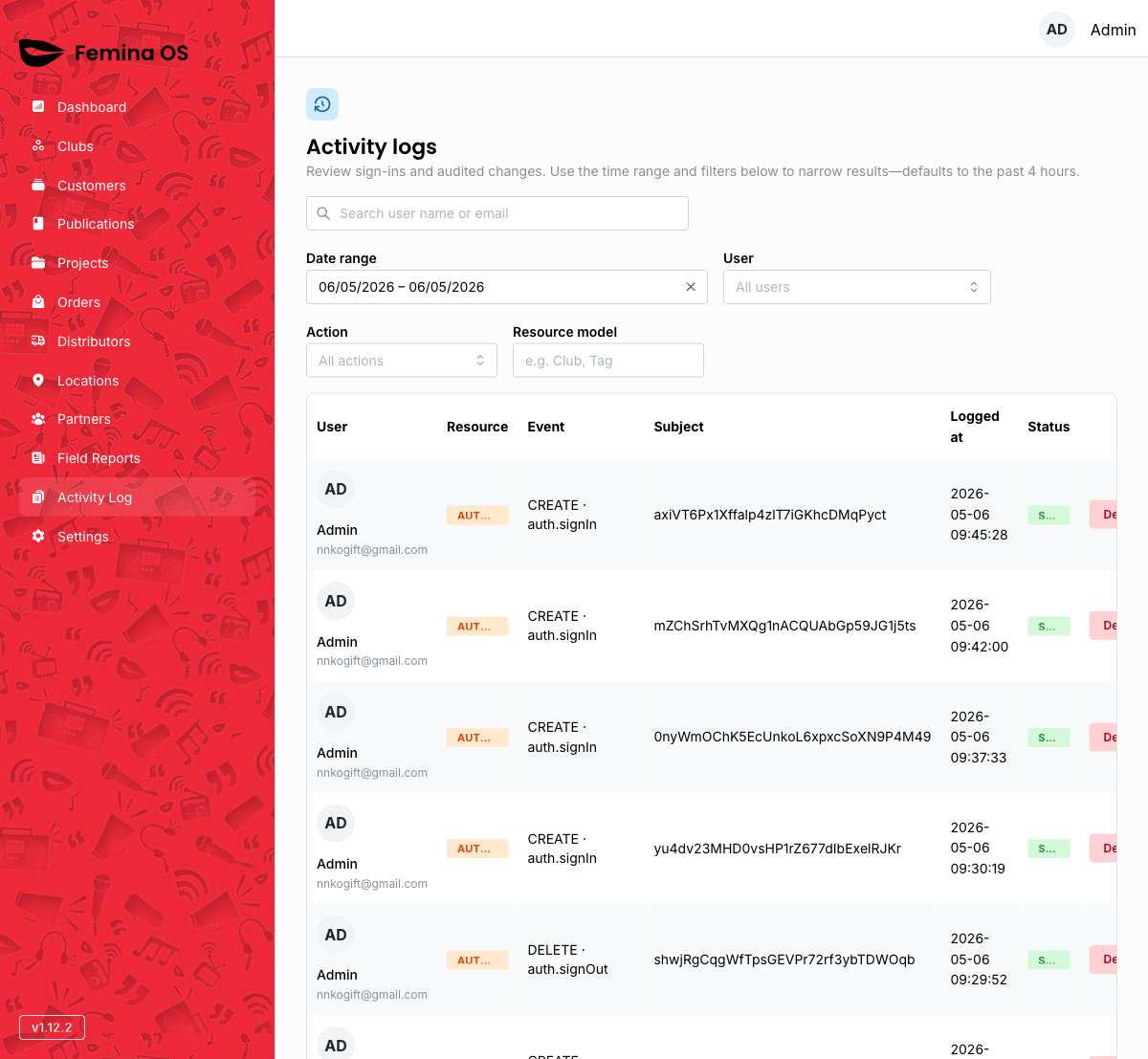
Screenshot: Header component, filter row, chronological table, pagination.
Filters
Screenshot: Date range picker with presets (today, last 7 days, etc.), user select, action select, model select, free-text query field.
- Date range — normalised to ordered YMD; empty partial range waits for both ends before syncing.
- Debounced URL updates — text and query fields wait briefly before updating the URL, to avoid jitter while typing.
Table
Columns typically include time, actor, action, resource—match your deployment.
Screenshot: Row expanded or hover state showing full metadata JSON snippet if applicable.
Workflows
Investigate a user for a week
- Open Activity Log.
- Set Date range preset to Last 7 days (or custom).
- Choose the User filter.
- Scan actions; adjust Action or Model filters to narrow.
Pivot on a model type
- Set Model to the entity you care about (for example Order).
- Combine with date range to see all changes in that window.
FAQ
Can I delete audit rows?
Not from this UI—records are append-only for compliance.