Appearance
Overview
Overview
Femina OS Mobile is the Flutter mobile app used by club mentors to manage clubbers and challenges for their clubs. It’s designed for fast field workflows and reliable work even when connectivity is limited.
The implementation is a Flutter app located at .../femina_os_mobile.
What you can do in the app
- Sign in and start your daily work from Home
- Register and update Clubbers (including bulk import)
- Review Challenges (active and completed) and add feedback where required
- Manage your account and keep data healthy from Settings (including sync)
App flow
Follow the app in the same order you use it:
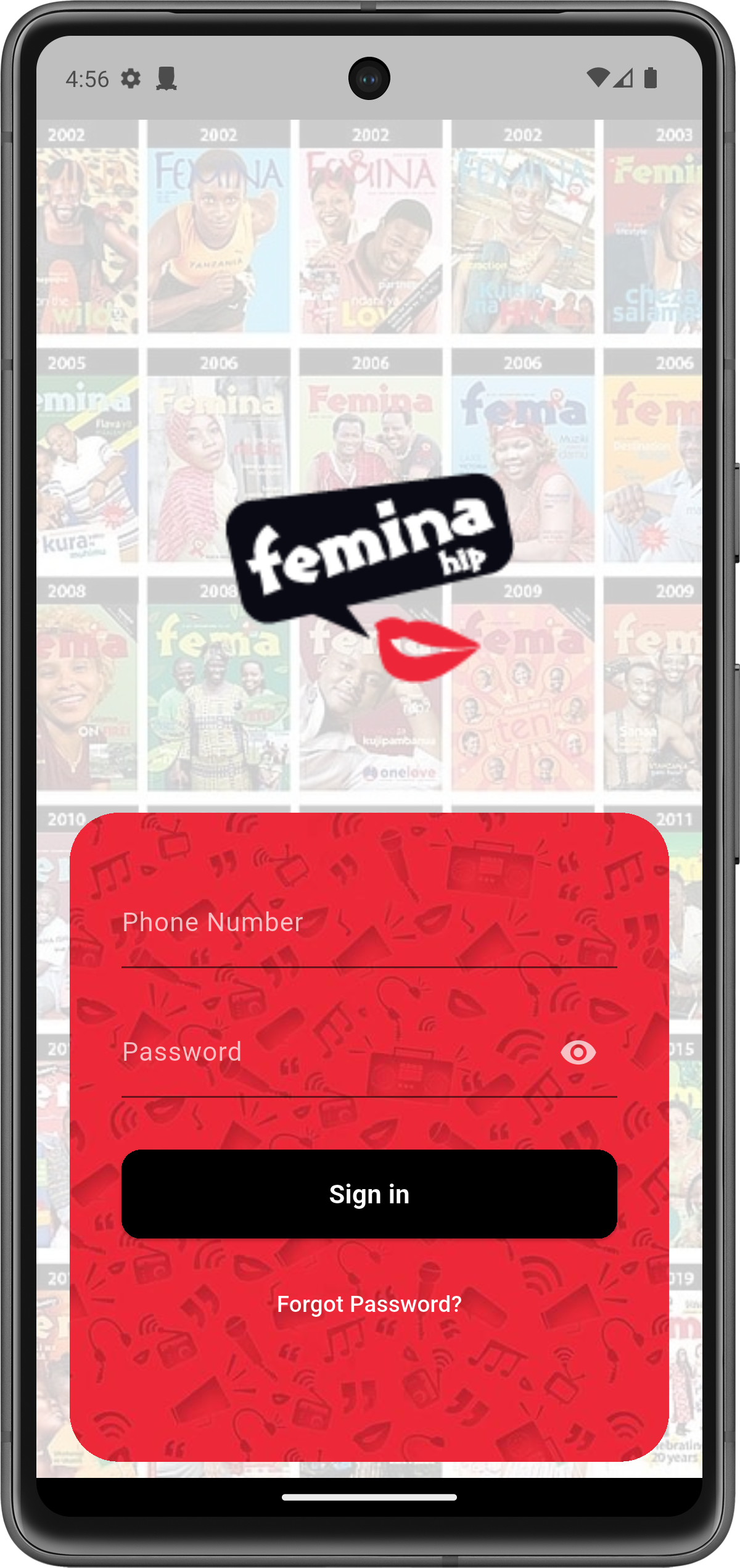
- Login (see screenshot below)
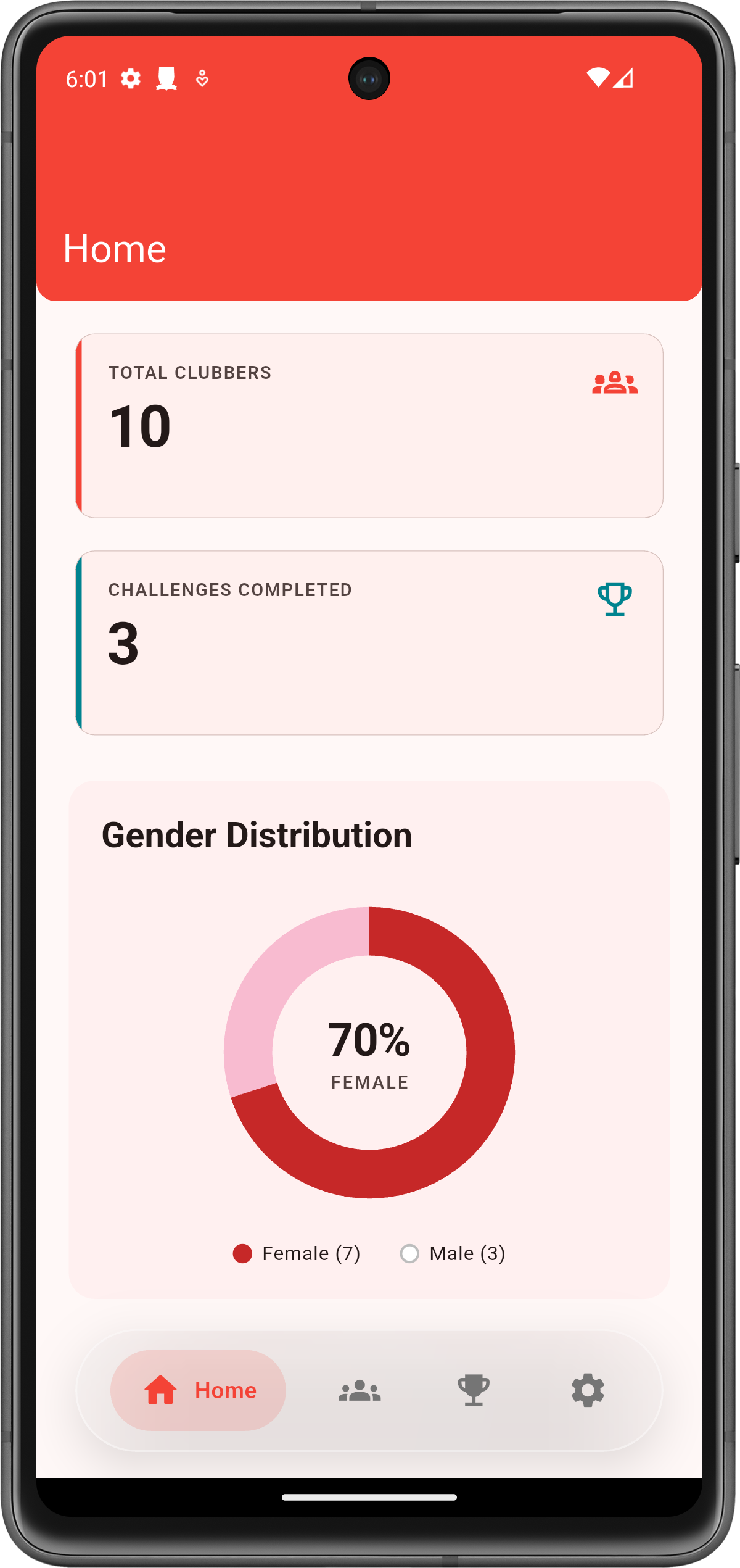
- Home: dashboard summaries —
/mobile/home/ - Clubbers: registration and management —
/mobile/clubbers/ - Challenges: active/completed + feedback —
/mobile/challenges/ - Settings: sync and account —
/mobile/settings/
Key Concepts
- Clubber: A participant/member profile managed in the system.
- Challenges: Activities/program engagements that clubbers can participate in.
- Sync: Keeping the mobile app’s data consistent with the backend when network connectivity changes.
User Roles & Permissions
Mobile users typically map to Femina OS platform roles:
- Field / standard users: manage clubbers and challenge participation for their scope.
- Supervisors / admins: may have additional visibility and settings access.
Features
- Sign in and manage sessions
- View a home dashboard summary
- Browse and manage clubbers
- Review active and completed challenges and add feedback (as enabled)
- Basic account/app settings
Workflows
Common field flow
- Sign in
- Review quick stats on Home (optional)
- Find or register a clubber
- Record challenge participation / activity (where applicable)
- Confirm data is synced (when connectivity is available)
Screenshots
These screenshots are from the Flutter mobile app.
Login
Home (Dashboard)