
Appearance
Partners
The Partners module lists development or program partners with search and add flows. UI patterns mirror other registry modules: table or grid, drawers for details, and dialogs or full-page forms for create and update (exact field labels follow your deployed build).
Purpose and outcomes
- Record partner organisations and contacts for stewardship and reporting.
- Quickly locate a partner via search.
Who it is for
Requires Partner LIST; the add control appears only when you have Partner CREATE.
Features
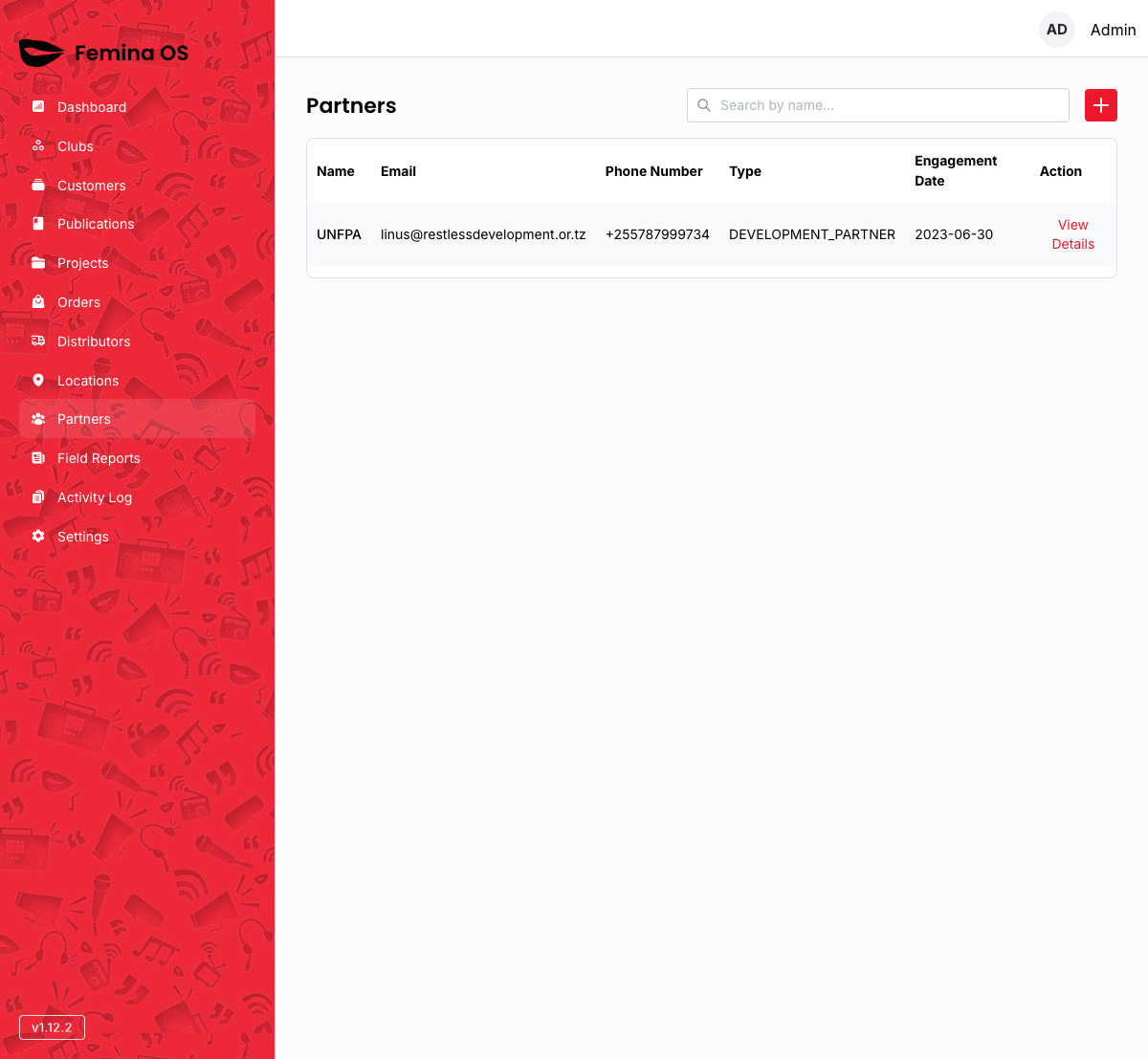
Screenshot: Title Partners, search, add control, loading skeleton transitioning to populated table.
Add partner
Add partner opens the partner form (dialog or dedicated page—capture the live pattern).
Screenshot: Partner creation dialog with required fields and Save.
Row interactions
Row actions may open a partner details drawer or inline edit and delete, often with a confirmation step.
Screenshot: Partner details drawer with metadata and Edit entry.
Screenshot: Confirmation dialog before delete (if exposed).
Workflows
Register a new partner
- Click Add (or equivalent).
- Fill partner details; save.
- Locate the partner via search to confirm.
FAQ
Do partners link to projects automatically?
Association rules live in the database and UI—document TBD until you confirm linkage screens.