Appearance
Home
Overview
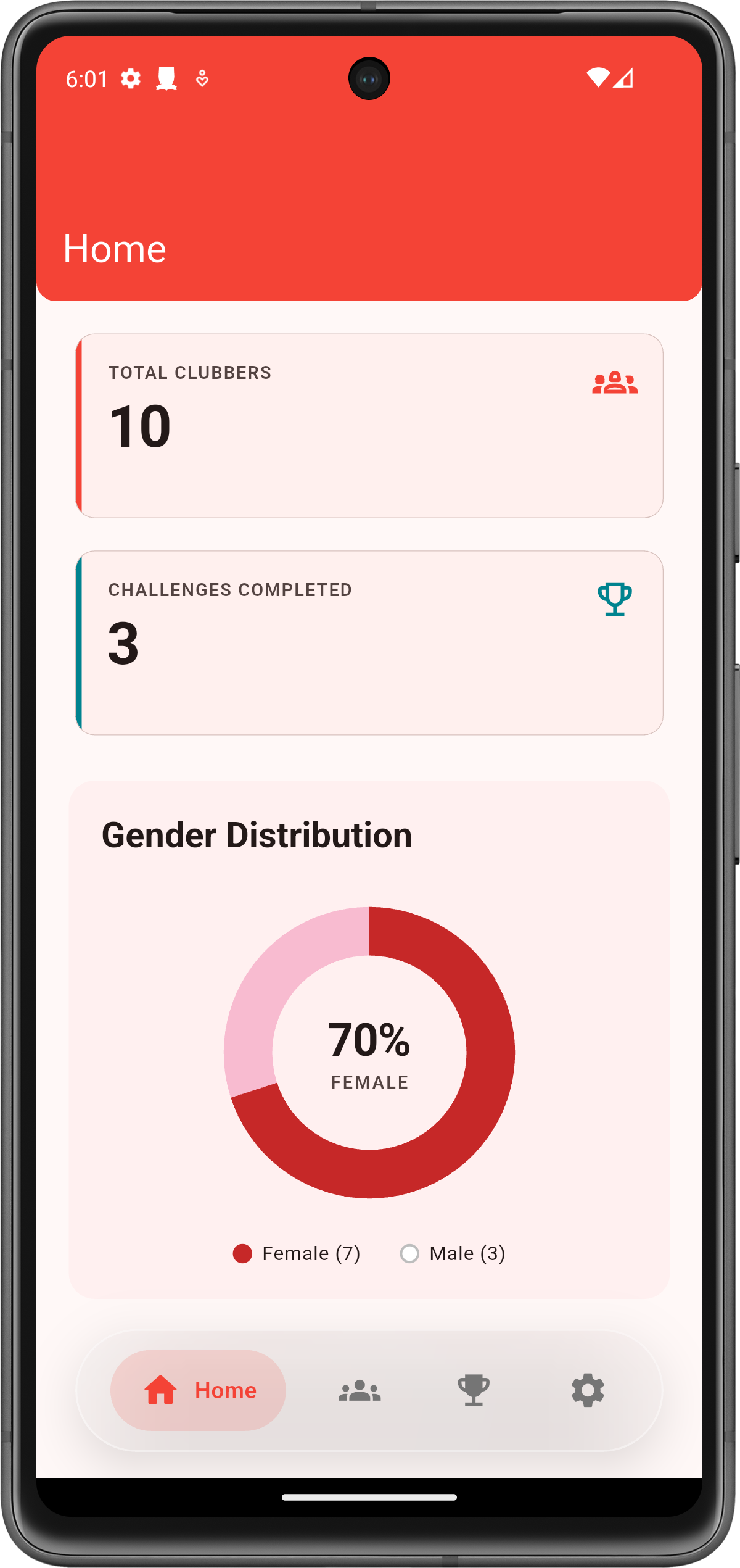
The Home tab is the landing dashboard after signing in. It summarizes key operational counts and quick indicators.
What you’ll see
- Total clubbers: quick count of clubbers in your scope
- Challenges completed: a quick activity indicator
- Gender distribution: snapshot breakdown for reporting and follow-up
- Class disaggregation: a breakdown of registrations by class/grade to support planning and targeted follow-up (where available in your setup)
How to use Home
Use Home as a quick check-in at the start of the day. If numbers look off, go to Settings → Sync to ensure your device is up to date, then re-open the page.
If you support multiple clubs, use Home to quickly spot gaps (e.g. low registrations for a certain gender/class) and prioritize outreach.
Screenshots