
Appearance
Field Reports
Field Reports capture structured field visit and activity information. Use Field Reports in the sidebar for the global list. The same reporting engine is embedded on each issue under Publications → an issue → Report, where new reports default to that issue.
Purpose and outcomes
- File a report with narrative, dates, locations, and attachments using the structured field report form.
- Review historical submissions from the global list or from within an issue.
- Update or delete with confirmation dialogs where the form exposes destructive flows.
Who it is for
Global list requires Field report LIST. The issue Report tab shows the same table filtered to that issue. Creating reports requires the actions surfaced on Add (verify with your role matrix).
Scope
- In scope: Field Reports main page, Add report plus report form dialog, and the Report tab inside an issue (issue pre-selected for new reports).
- Out of scope: Mobile capture apps.
Key concepts
- Field report — structured document with metadata, body content, optional attachments.
- Issue context — when you create a report from an issue, the form pre-selects that issue.
Global list
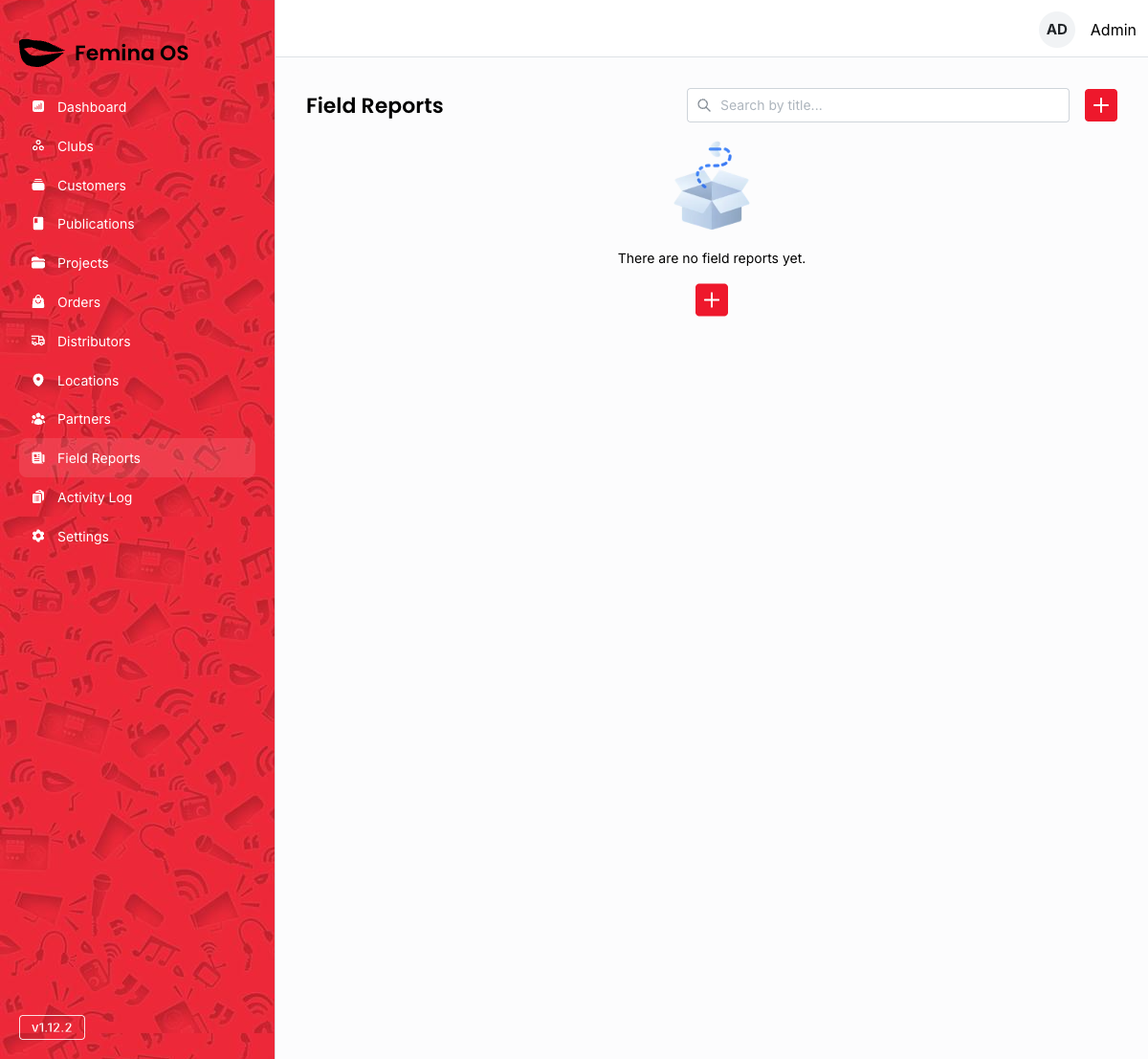
Screenshot: Title Field Reports, search, + action icon, table with loading skeleton.
Add report
The + control opens the report form inside a large dialog.
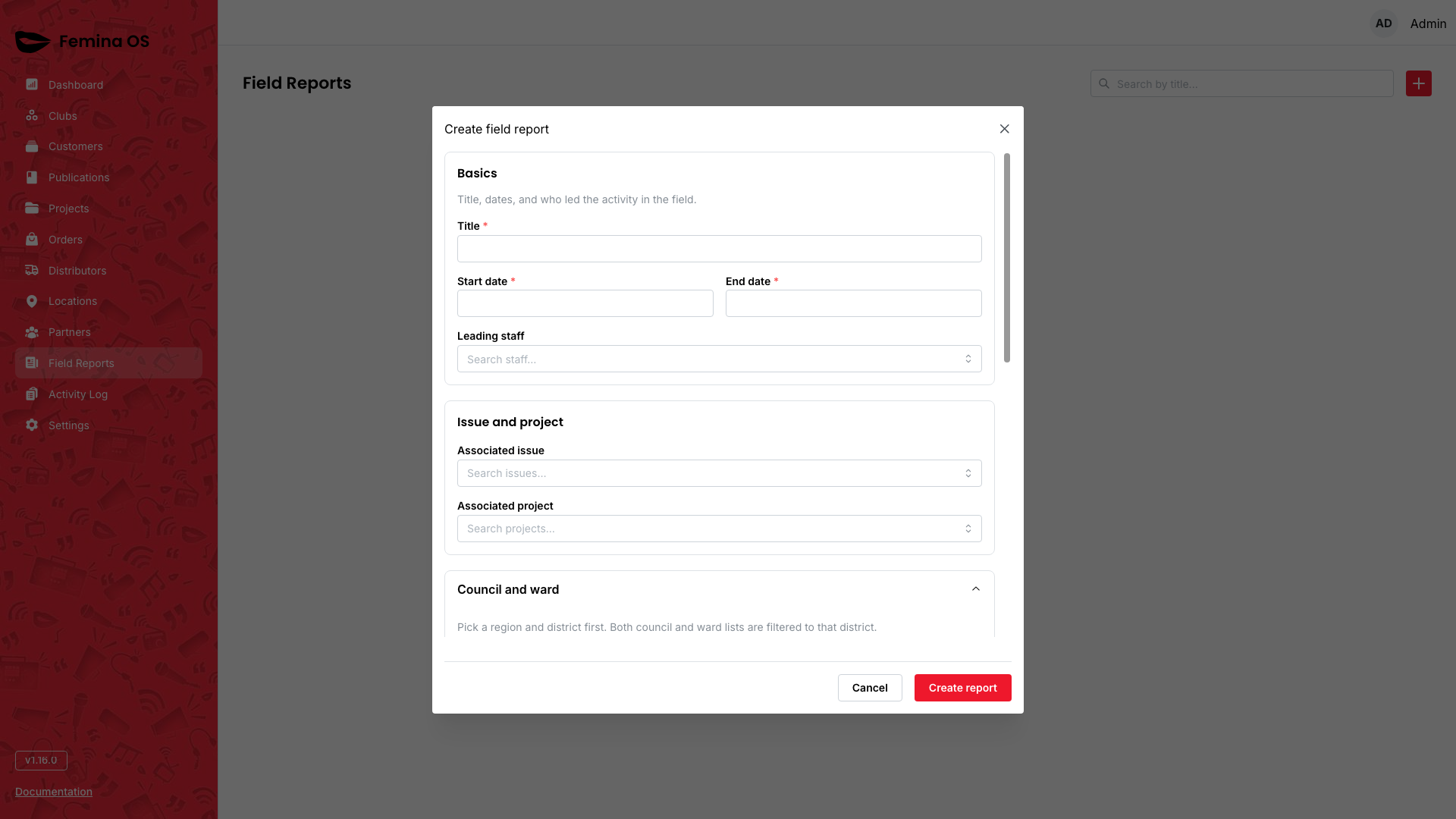
Screenshot: Large dialog with collapsible sections (accordion), date inputs, selects, text areas, attachment controls, primary submit.
- Scrolling — the dialog body scrolls so long forms stay usable.
- Confirmations — destructive actions may open a second confirmation dialog stacked over the form.
Screenshot: Confirmation dialog stacked above the report dialog (title + red confirm).
Row detail / edit
The main list typically opens a drawer or reopens the report form for edits—capture whichever pattern your build shows.
Screenshot: Report details drawer with Edit reopening the same form dialog in edit mode.
Issue-scoped reports
Open Publications, choose a publication and issue, then the Report tab.
Screenshot: Same table as global page but filtered; + still opens Report form with the issue prefilled.
Workflows
Log a visit unrelated to a specific issue
- Open Field Reports.
- Click +; choose issue (if required) and complete sections.
- Submit; confirm the row appears.
Log while reviewing a magazine issue
- Navigate Publications → Issue → Report tab.
- Click +; note issue is already selected.
- Submit.
FAQ
Why are there two entry points?
Global navigation for M&E-wide review; issue tab for editors working an edition.