
Appearance
Projects
The global Projects page lists program projects with search and Add project. Additionally, each publication issue exposes an issue-scoped projects tab—see Publications → Projects for that nested surface.
Purpose and outcomes
- Track named program projects (timeline, ownership, linkage to issues when applicable).
- Create projects from the global list when you are not inside an issue context.
Who it is for
Requires Project LIST for the Projects sidebar page; the issue Projects tab reuses project permissions within issue read context.
Features
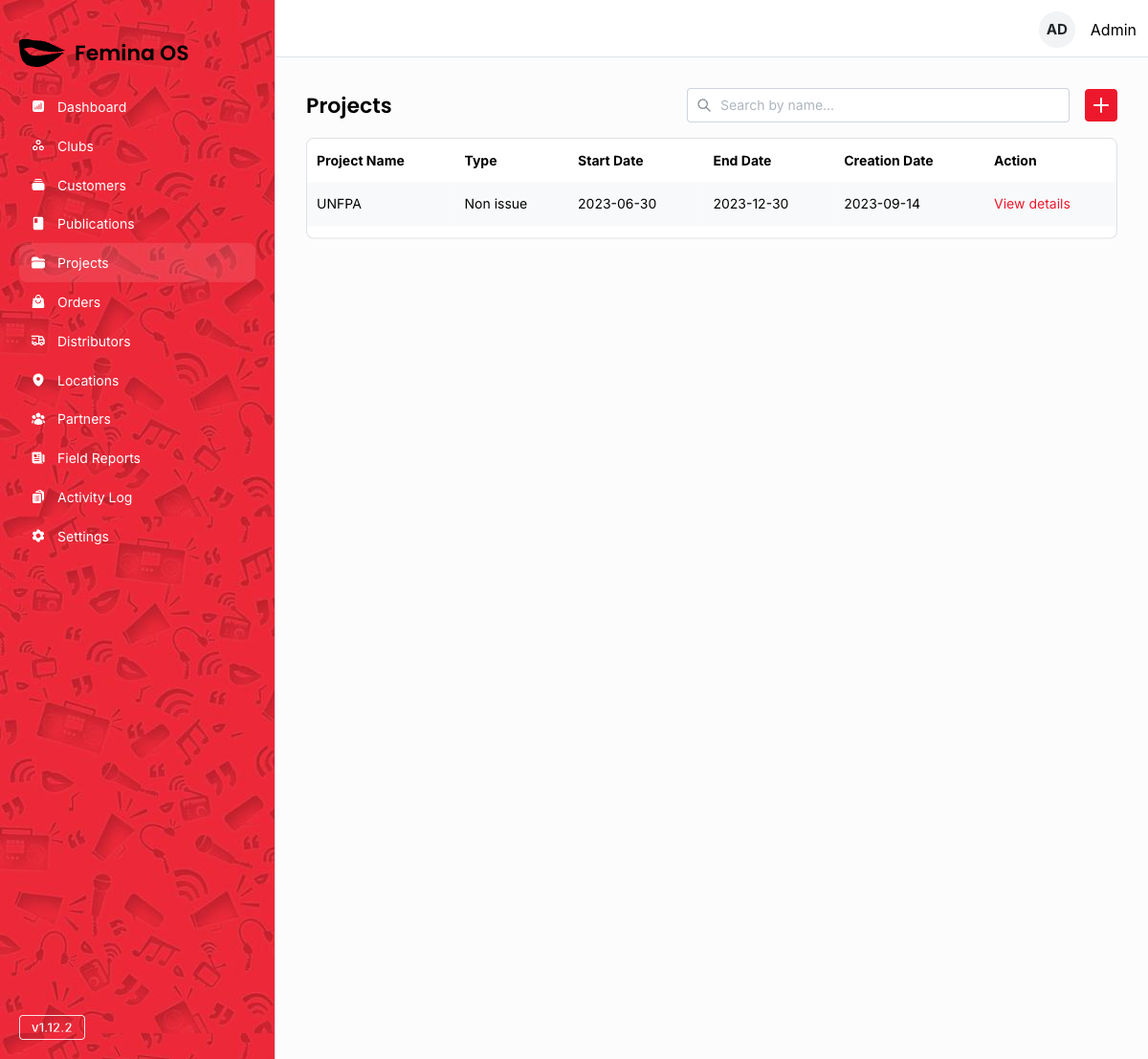
Screenshot: Title Projects, search field, Add control, paginated table with skeleton state.
Add project
Add project opens the project creation UI (dialog or full page—capture the live pattern).
Screenshot: Create-project dialog with title, dates, and association fields.
Edit / detail
Row actions typically open drawers or navigate to detail screens—verify the exact pattern in your deployed app.
Screenshot: Project detail drawer with Edit opening an edit form (often in a dialog).
Workflows
Create a cross-issue program project
- Open Projects from the sidebar.
- Click Add project; complete the dialog.
- Later, link the project to specific issues if your workflow supports it (the issue Projects tab may offer an add issue project action).
Manage issue-specific projects
Use Publications → {issue} → Projects for issue-filtered lists and buttons.
FAQ
What is the difference between this page and the issue Projects tab?
This page is global; the issue tab scopes the list and creation defaults to that issue.