
Appearance
Publications
The Publications workspace manages Femina Hip magazine titles and every issue (edition). It is the hub for issue-level analytics, distribution orders scoped to an issue, contributions, linked projects, field reports for that issue, and (for permitted users) structured activities and feedback.
Purpose and outcomes
- Maintain a canonical list of publications and their issues (theme, dates, artwork).
- Open any issue into a tabbed workspace to review reach, copies, clubber breakdowns, and financial summaries.
- Create and track distribution orders for an issue, then drill into order detail (same order also reachable from Orders).
- Record contributions and supporters tied to an issue.
- Associate program projects with an issue and manage them in context.
- Open field reports filtered to the current issue, including creating a report with the issue pre-selected.
- Plan and review issue activities and performed activity feedback when your role includes Issue Activity permissions.
Who it is for
Access is permission-based (publications, issues, issue delivery, issue activity, field reports, projects). Editors and distribution coordinators use this module most; M&E and leadership use Overview and Report for visibility.
Scope
- In scope: Publication list shell, issue list, issue workspace tabs, order detail opened from an issue, activities and feedback flows, edit/delete issue actions (with confirmations).
- Out of main navigation: Extra screens (for example surveys) are not part of this page unless your deployment surfaces them from this UI.
Key concepts
- Publication — a magazine title; selecting Publications in the sidebar redirects to the first publication or to New publication if none exist.
- Issue — one edition under a publication; opening an issue opens the Overview tab by default.
- Issue workspace — the horizontal tabs under the issue title: Overview, Issue Distributions, Contributions & Support, Projects, Report, Activities (conditional).
- Distribution order — a shipment/request tied to an issue’s distribution plans; detail appears under both Issue Distributions and Orders.
Screens and navigation map
| Screen | What the user sees |
|---|---|
| Publications (sidebar entry) | Redirects to the first publication in the list, or to New publication when none exist. |
| Publication workspace | Left: publication list (switch titles). Right: Issues list with search and Add Issue. |
| New publication | Flow to create a publication when the catalogue is empty. |
| Issue workspace (any tab) | Opening an issue lands on Overview first. |
| Issue → Overview | Issue Overview dashboard. |
| Issue → Issue Distributions | Orders for this issue; links into order detail. |
| Issue → Order detail (from distributions) | Full order view with breadcrumbs back to the issue. |
| Issue → Contributions & Support | Contributions table; Add opens contribution UI. |
| Issue → Projects | Projects linked to this issue; add issue-project control. |
| Issue → Report | Field reports list scoped to this issue; add report with issue pre-filled. |
| Issue → Activities | Issue activities list (requires Issue Activity LIST permission; tab hidden otherwise). |
| Activity feedback (performed item) | Feedback detail for one performed activity. |
Parallel layout: the publication layout keeps the publication list sidebar mounted while the main pane swaps between Issues and the issue workspace.
User roles and permissions
Exact rows depend on your organisation’s role definitions. In general:
| Capability | Typical permission modules |
|---|---|
| Open publication & issues | Publication (read/list) |
| Edit/delete issue | Publication / Issue actions |
| Issue Overview metrics | Issue read |
| Issue Distributions & order detail | Issue delivery (list/read) |
| Contributions | Issue read; contribution create where granted |
| Issue-scoped projects | Project list + issue context |
| Issue Report tab | Field report list |
| Activities tab | Issue activity list (tab omitted without list permission) |
Use TBD in your internal runbook until you map each role to these modules in Settings → Role and Permissions.
Features
Publication list sidebar
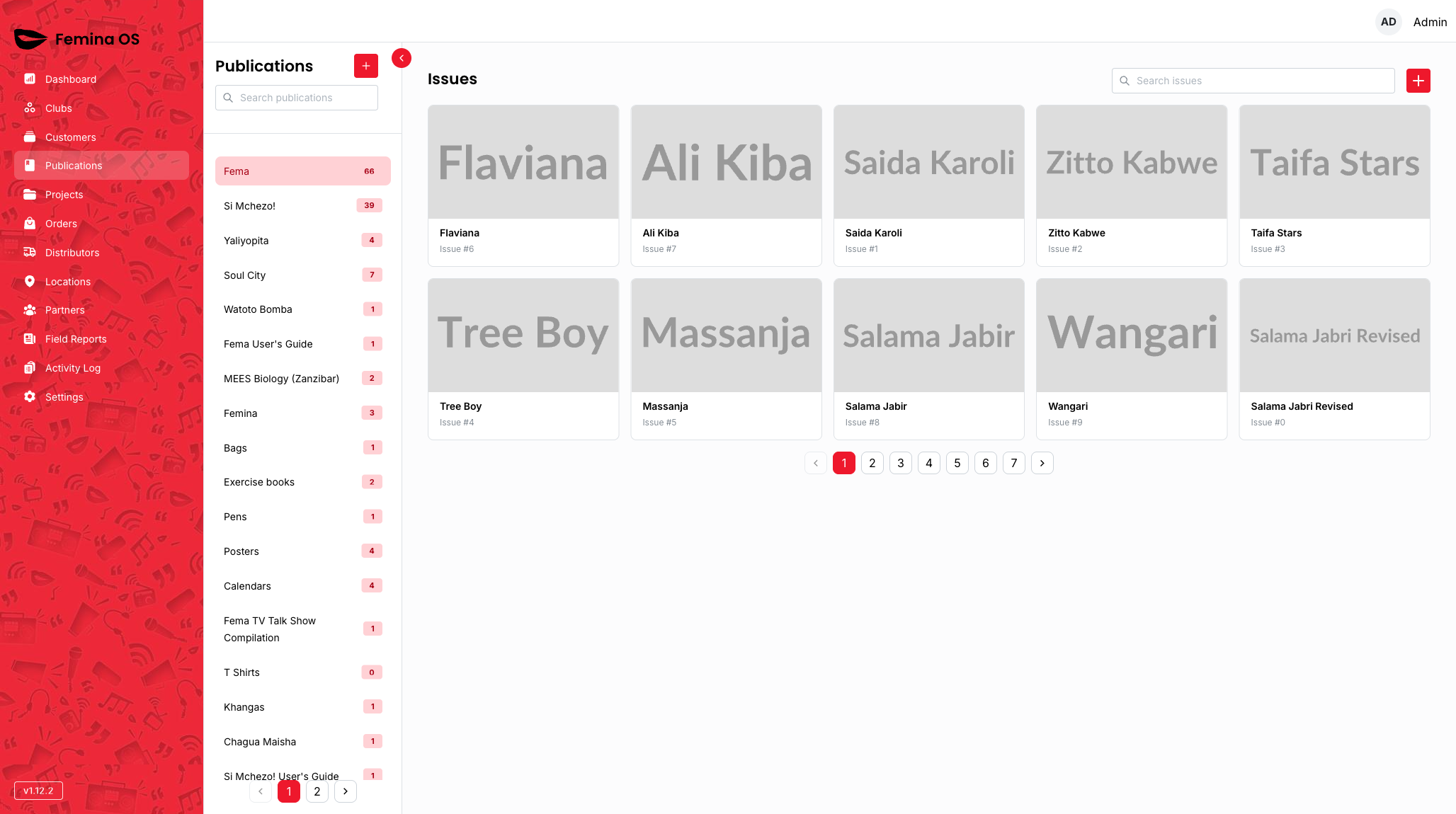
Screenshot: Narrow column listing publication titles; active publication highlighted; used to switch context without leaving the module.
- Switch the active publication; the right pane loads that publication’s Issues tab.
Issues list
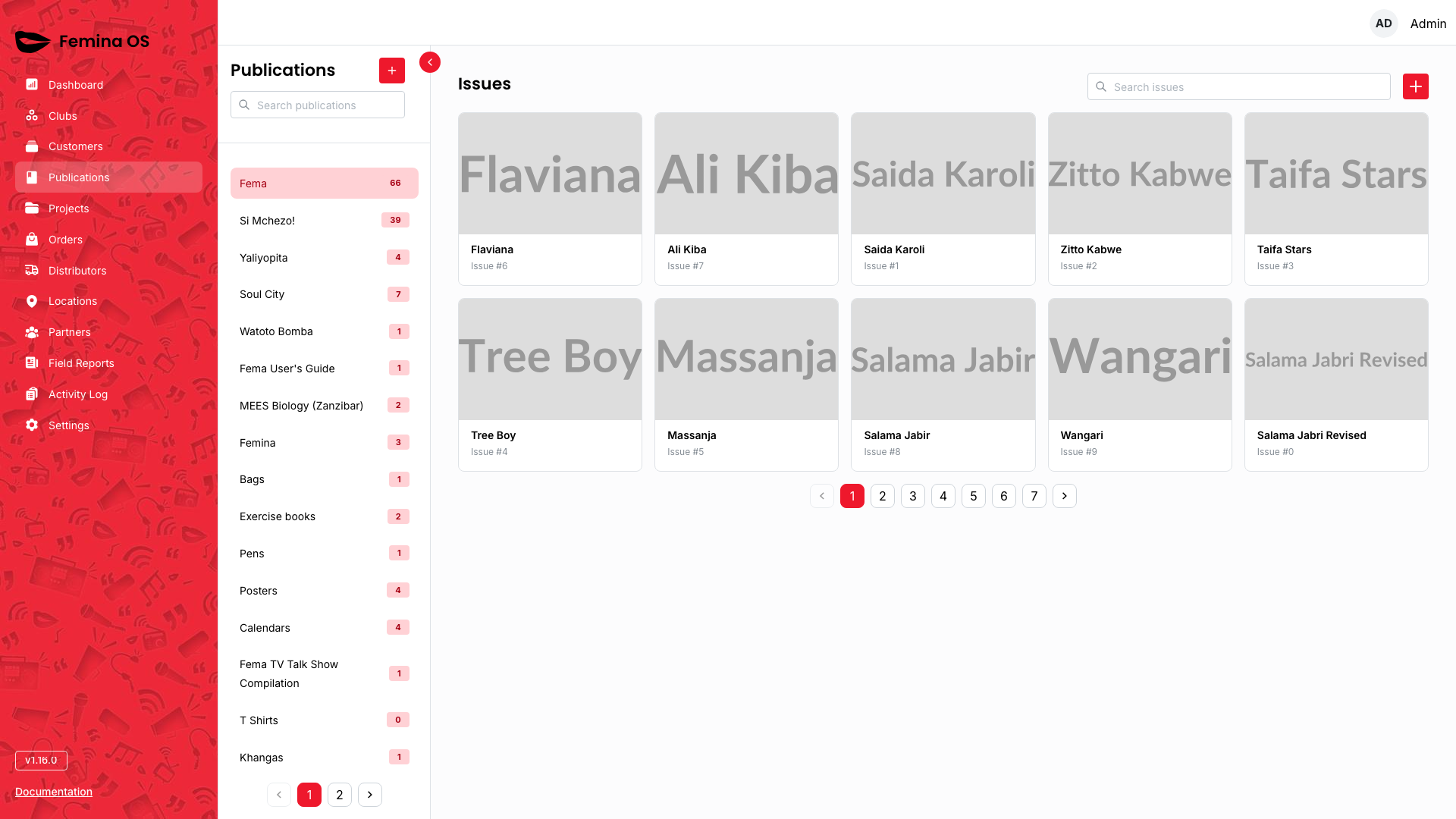
Screenshot: Title row “Issues”, search field, Add Issue button, paginated table of issues (theme, dates, etc.).
- Search issues using the search box (text you type filters the list).
- Add Issue — opens the issue creation flow (dialog or full-page form, depending on version).
- Row actions typically open the issue workspace (Overview first).
Issue workspace header

Screenshot: Breadcrumbs (publication → issue), issue theme as title, Edit and Delete actions on the right.
Edit issue
Screenshot (dialog or side panel): Issue fields (volume, number, dates, theme, cover upload if present) with Save / Cancel.
Delete issue
From Delete, the app opens a confirmation dialog (“This will permanently delete this issue…”) with Delete (destructive) and Cancel.
Screenshot: Confirmation dialog over the issue page; red confirm button.
- Outcome: On confirm, the issue is removed and the user is navigated back to the publication’s issue list; success or error notifications may appear.
Tab: Overview
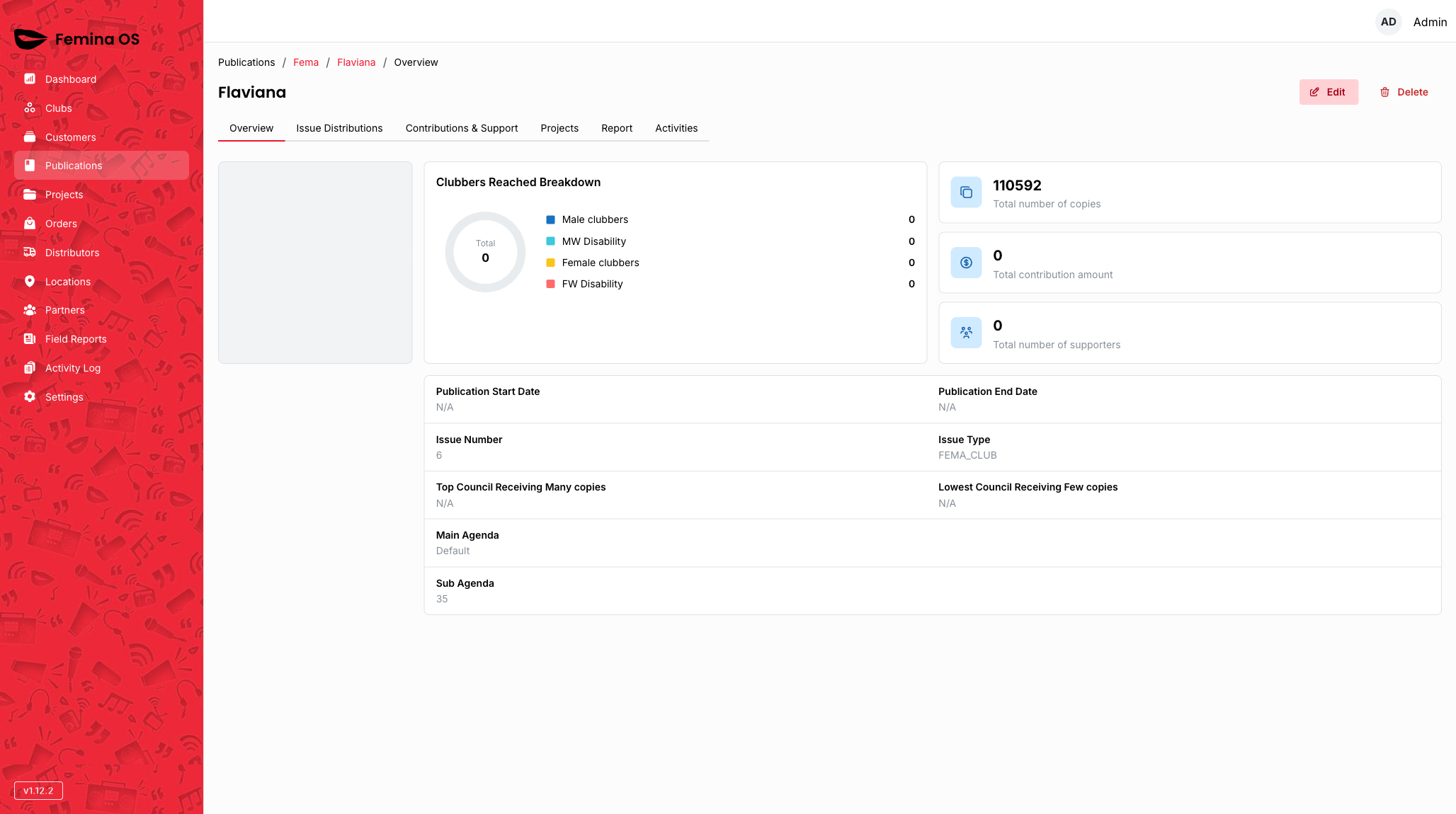
Screenshot: Cards and charts for the issue—copies distributed, customers reached, financial-style metrics, clubber gender/disability breakdown, optional grid of related data.
- Summarises programme performance for this issue only.
Tab: Issue Distributions
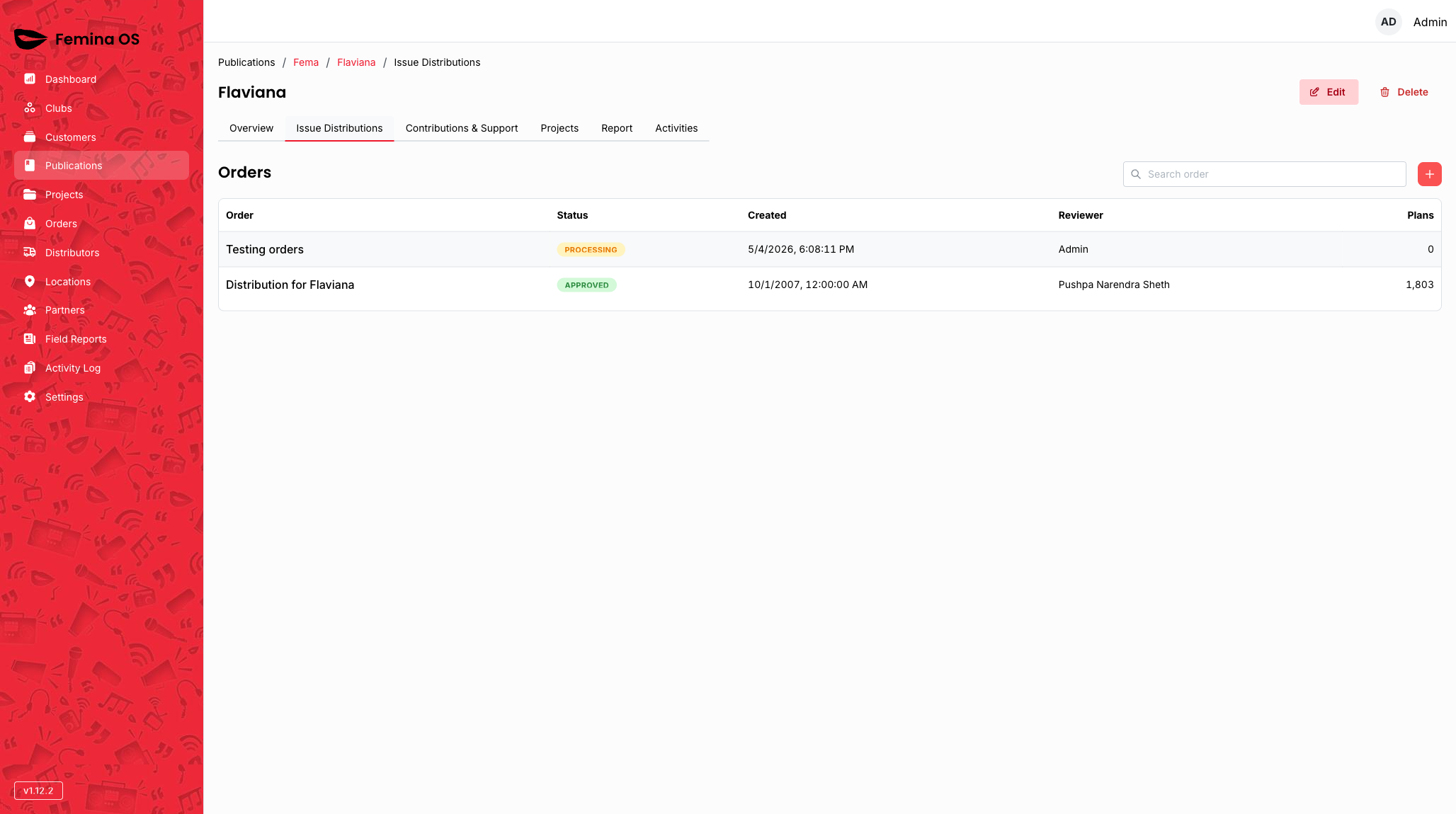
Screenshot: Section listing distribution orders tied to this issue; links or rows leading to order detail.
- Lists orders and statuses relevant to the issue.
- Open order detail from the distributions list for full order information (same underlying order as in Orders, different chrome and breadcrumbs).
Screenshot (order detail from issue): Order name, status, lines/plan breakdown, actions such as approve or progress—capture the full page.
Tab: Contributions & Support
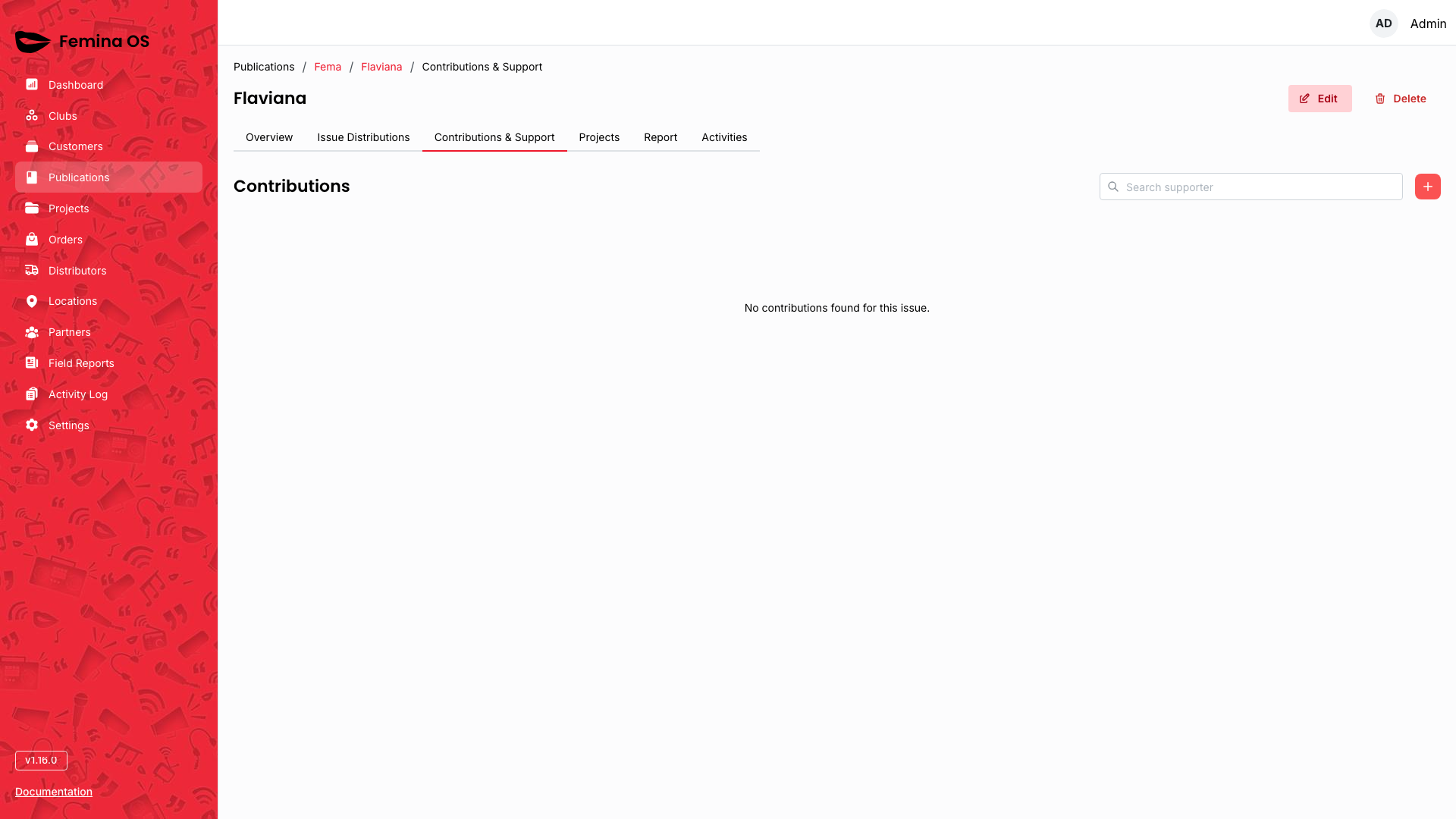
Screenshot: “Contributions” title, search, Add control, table of supporters/contributions.
- Add opens contribution capture (dialog or side panel—document fields your build shows: supporter, amounts, notes).
Screenshot (add contribution dialog): Form fields and primary Save.
Tab: Projects
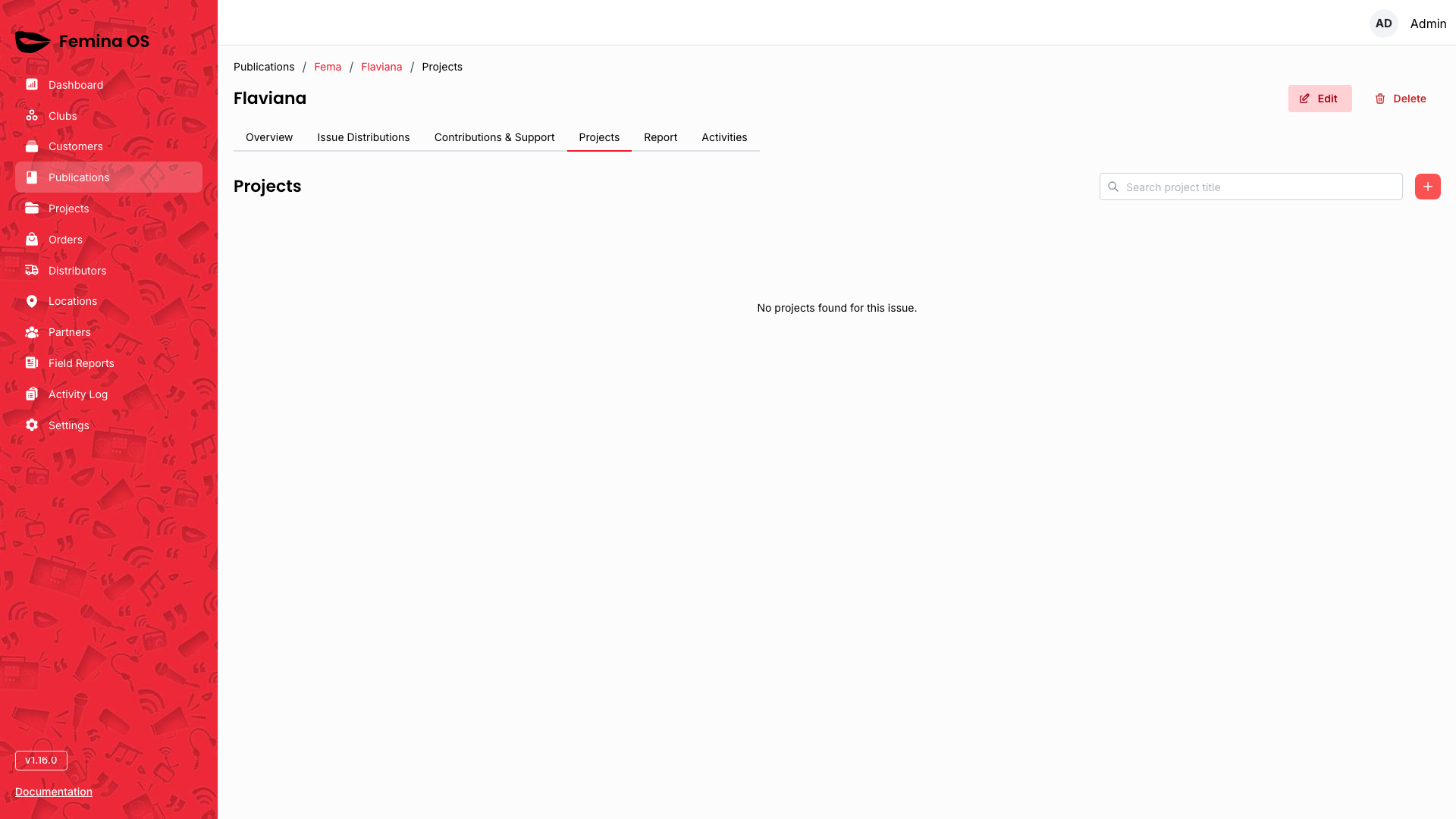
Screenshot: Issue-scoped projects table; search; Add for linking/creating a project in this issue context.
Report tab
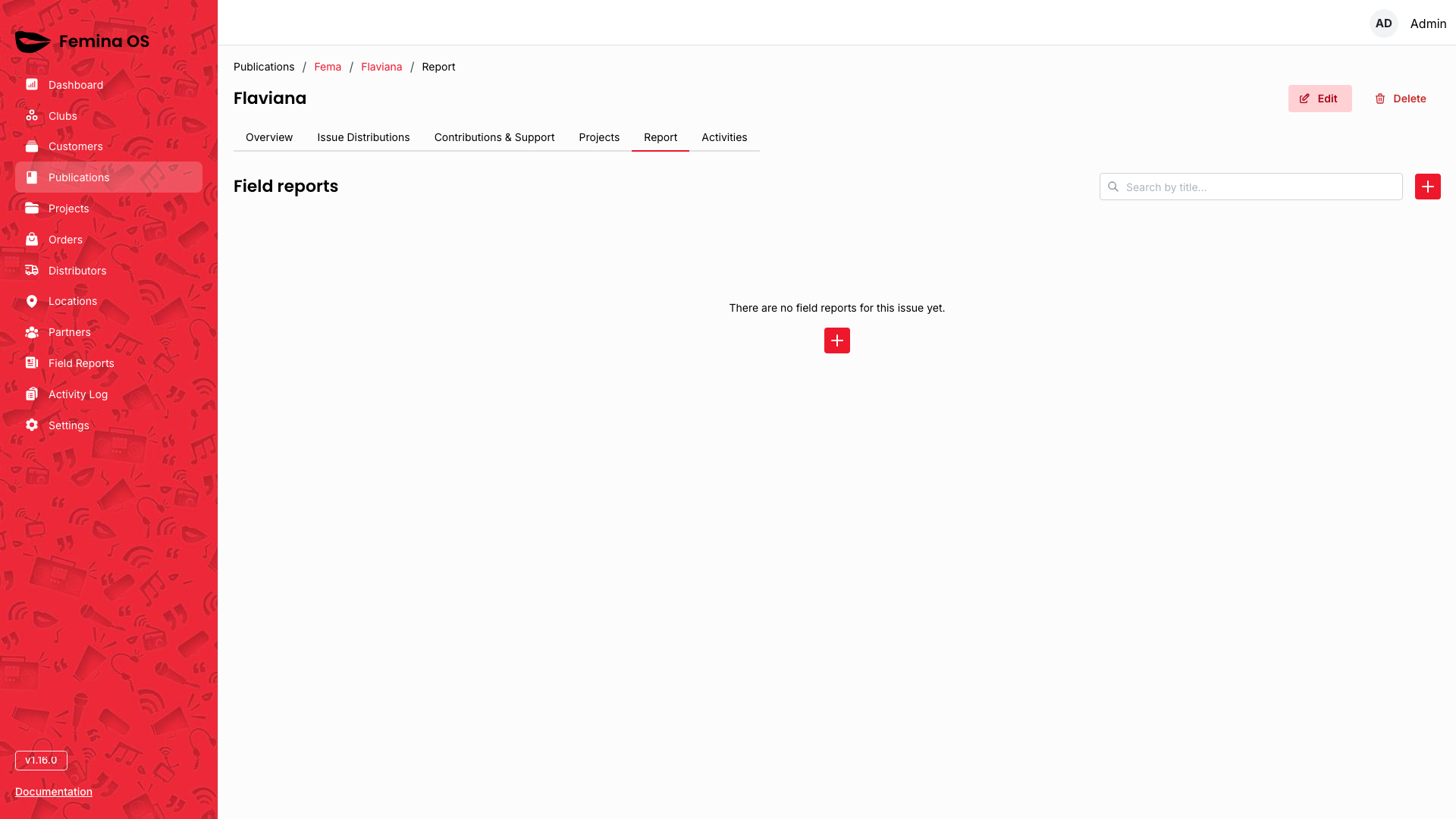
Screenshot: Same field-report table pattern as the global module but filtered to this issue; + uses issue as default when creating.
- Add report opens the report form in a dialog from the + action.
Screenshot (report form dialog): Create field report UI with issue pre-selected.
Activities tab
If the Activities tab is visible, the user has Issue Activity list permission.
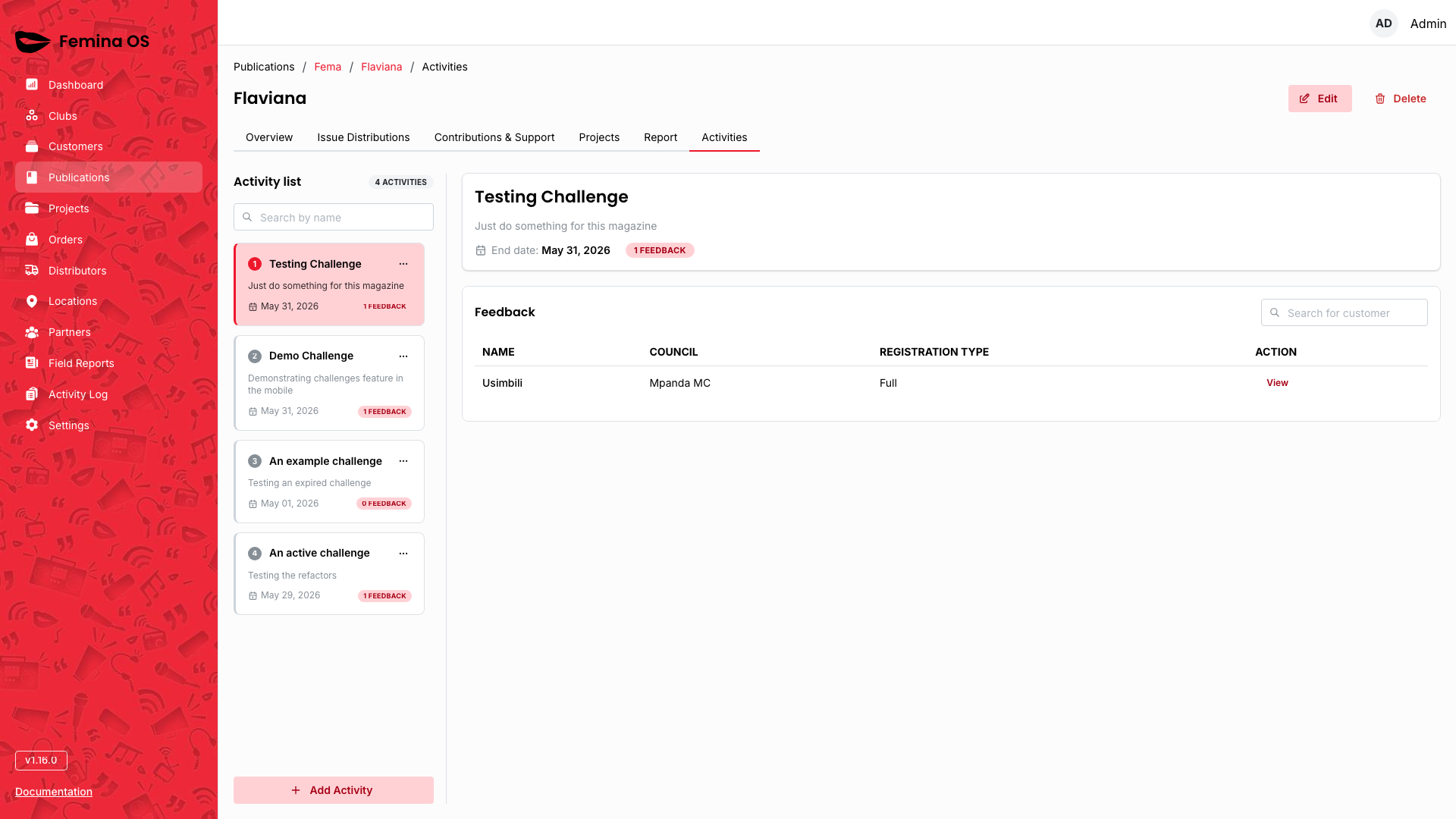
Screenshot: List of defined activities for the issue; rows linking to feedback or performance where applicable.
Activity feedback
Screenshot: Feedback review screen for one performed activity—attachments table, comments, status actions as implemented.
Workflows
Open the correct publication
- Click Publications in the sidebar (you land on the first publication or New).
- In the left publication list, click the title you need; confirm the Issues list updates on the right.
Create a new issue
- With the right publication selected, click Add Issue on the Issues list.
- Complete the form (volume, number, publication date, theme, etc.).
- Save; open the new issue from the list.
Review issue performance
- Open an issue from the Issues list.
- Stay on Overview; read stat cards and charts.
- Use breadcrumbs to return to Issues if needed.
Work an issue’s distribution orders
- Open the issue → Issue Distributions tab.
- Locate the order; open order detail.
- Perform approval or status steps your role allows (confirm any dialog prompts).
Add a contribution
- Open the issue → Contributions & Support.
- Click Add; fill the form (dialog or panel); save.
Log a field report against an issue
- Open the issue → Report tab.
- Click +; complete the field report form; submit—the issue should remain associated.
Delete an issue
- Open the issue header → Delete.
- In the confirmation dialog, read the warning; choose Delete or Cancel.
- If deleted, you return to the publication issue list.
FAQ
Why does Publications jump to a random title?
The app redirects to the first publication in the sorted list (or New when empty)—not a bug.
Is the order detail under an issue different from Orders in the sidebar?
Same order record; contextual navigation and breadcrumbs differ.
I do not see the Activities tab.
Your role lacks Issue Activity LIST permission; the tab is intentionally hidden.