
Appearance
Distributors
Distributors capture logistics partners involved in moving magazines. The page is a searchable grid/list with an Add control that opens a partner dialog (form overlay), including confirmation dialogs for destructive actions.
Purpose and outcomes
- Maintain the distributor directory used when building or analysing distribution orders.
- Create or update distributor contacts from a dialog without leaving the list context.
Who it is for
Requires Distributor LIST. The + button checks Distributor CREATE before rendering.
Key concepts
- Distributor — organisation responsible for transport or warehousing steps (exact fields follow your deployment’s form).
Features
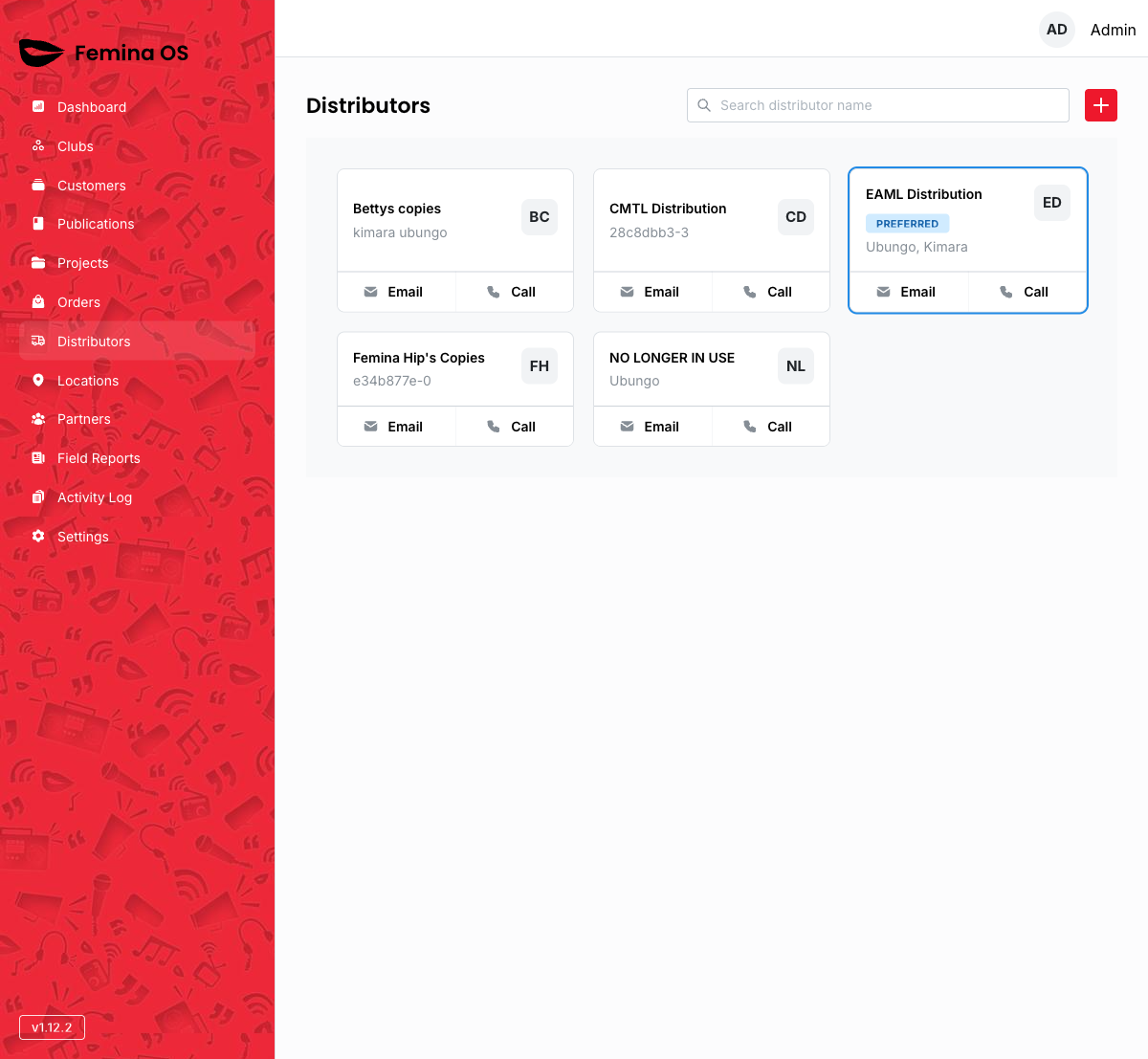
Screenshot: Title Distributors, search field, + action icon, responsive card or table grid for the distributor list.
Add / edit distributor dialog
The distributor form appears inside a dialog overlay.
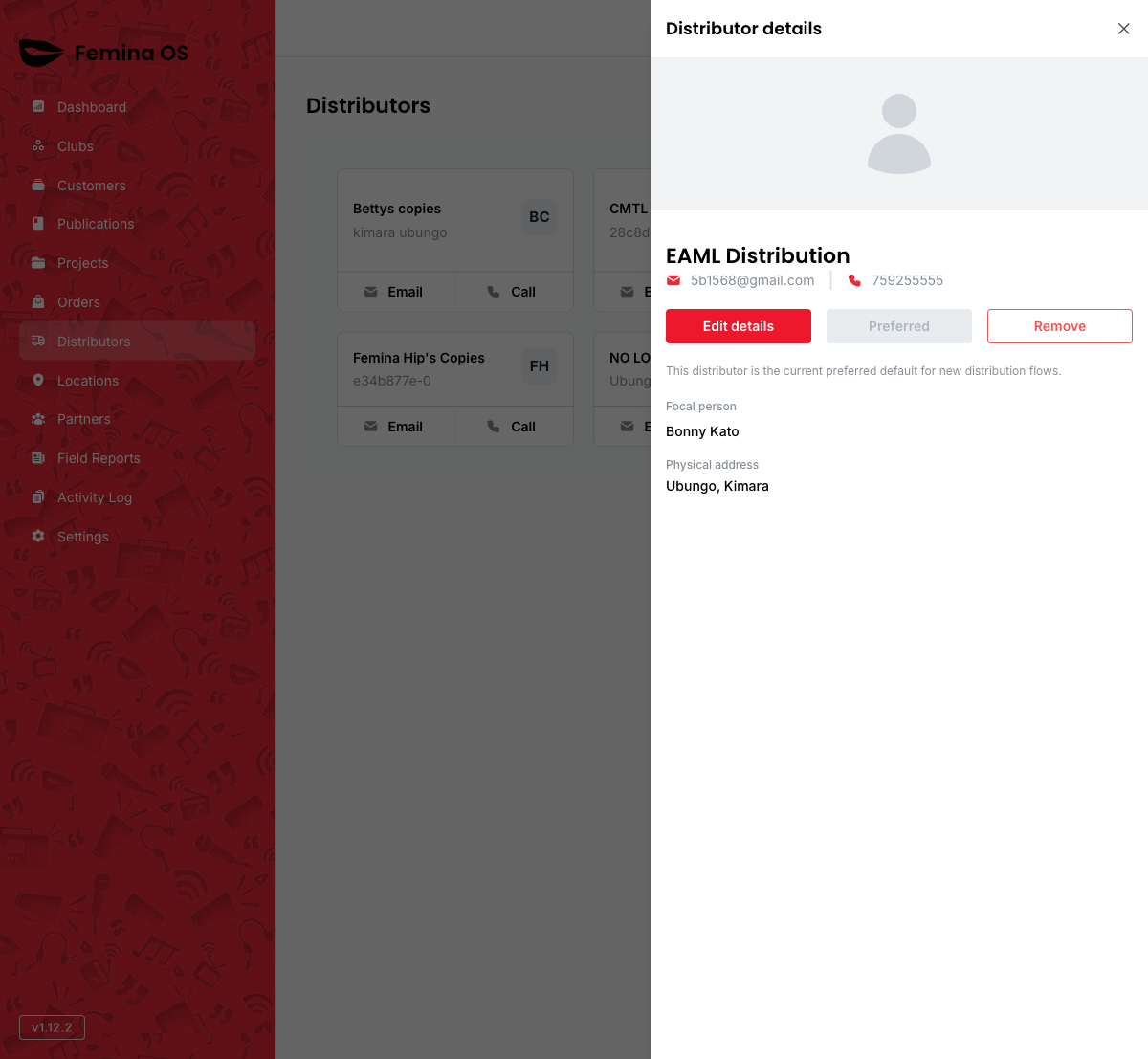
Screenshot: Dialog titled for create or edit, with stacked inputs and primary Save.
Confirmations
The form may open a confirm dialog before destructive actions (for example delete—verify labels in your build).
Screenshot: Confirmation dialog with Confirm / Cancel and warning copy.
Workflows
Add a logistics partner
- Click + (Add distributor).
- Complete the form in the dialog.
- Save; confirm the card appears in the grid.
Update distributor details
- Open the distributor’s detail/edit affordance (card button or row action—per UI).
- Adjust fields in the dialog; save.
FAQ
How do distributors relate to orders?
Orders reference customers and plans; distributors provide operational metadata—linkage depth depends on your data model (TBD if not visible in UI).